Start a project with one form
Sep 21, 2026
Creating a project no longer forks into New Project and Advanced Setup. One dialog: enter a URL, or pick a demo app that pre-fills it. Framework, generation mode and project name wait in an Advanced settings accordion whose closed row shows the current values. A failed setup no longer leaves duplicate projects or stale reachability warnings behind.
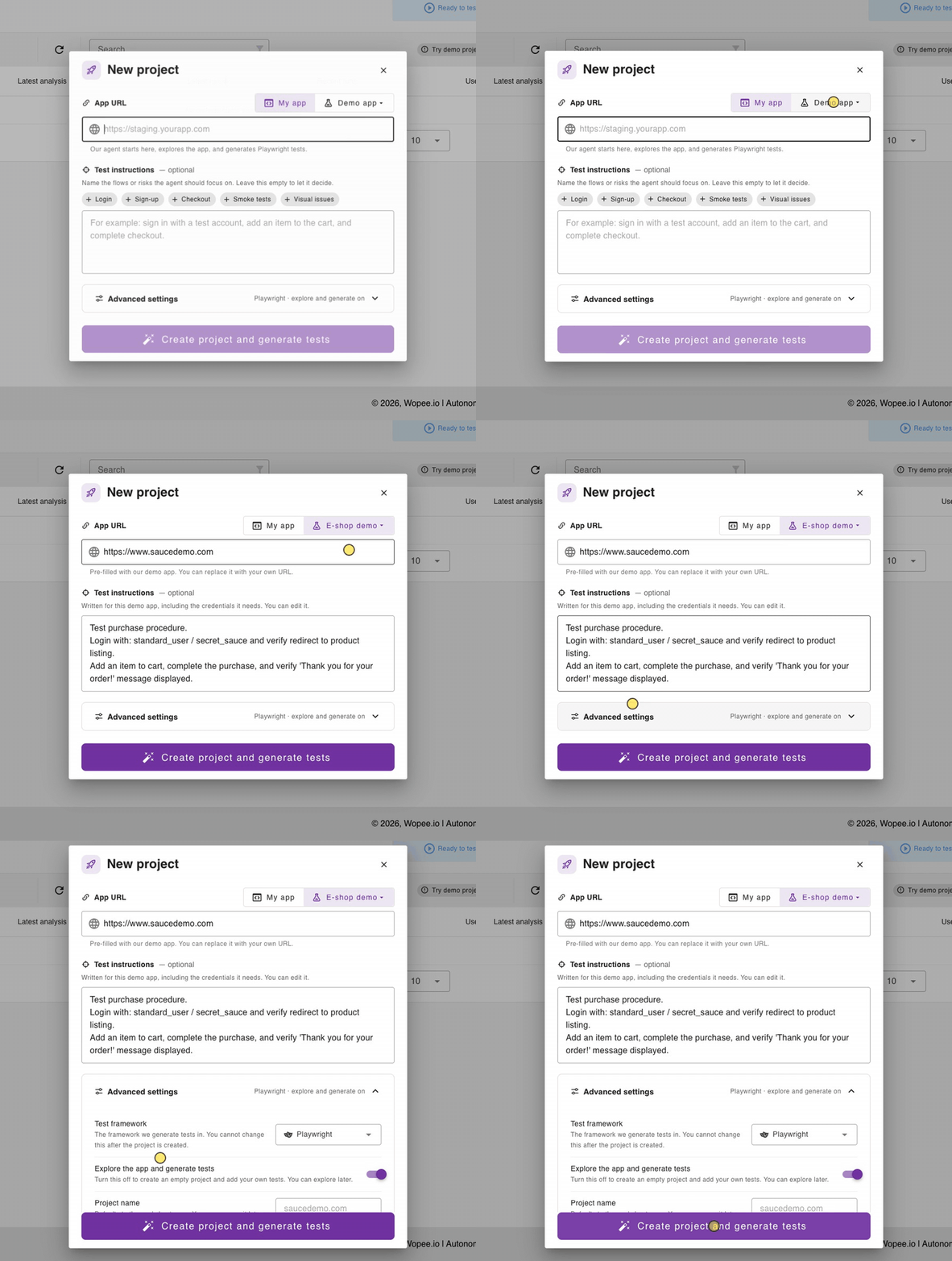
On self-hosted GitHub Enterprise installations where the Wopee app cannot create repositories, the same dialog offers Existing repo and validates the linked repository before the project is created.