File a GitHub issue from a failed run
Oct 14, 2026
A failed run in a project with a linked GitHub repository now offers Create GitHub issue in the run menu. Add a title, optional notes and labels, and Wopee.io writes the rest: the failing step, what was expected and what happened, the screenshot and a link back to the run.
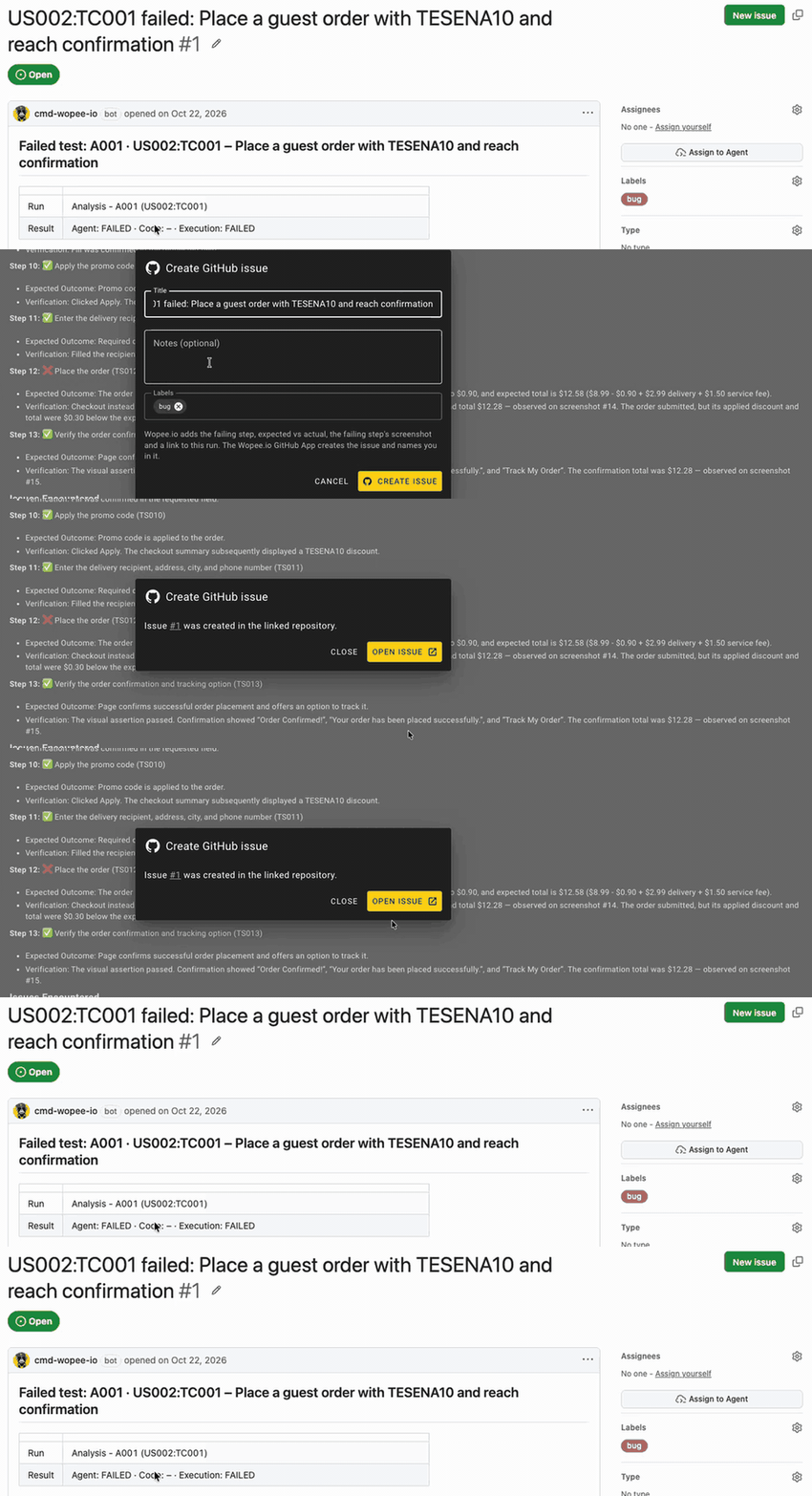
When the issue is created you get its link straight away. If something could not be included, or the repository refused the issue, the dialog says what to fix.